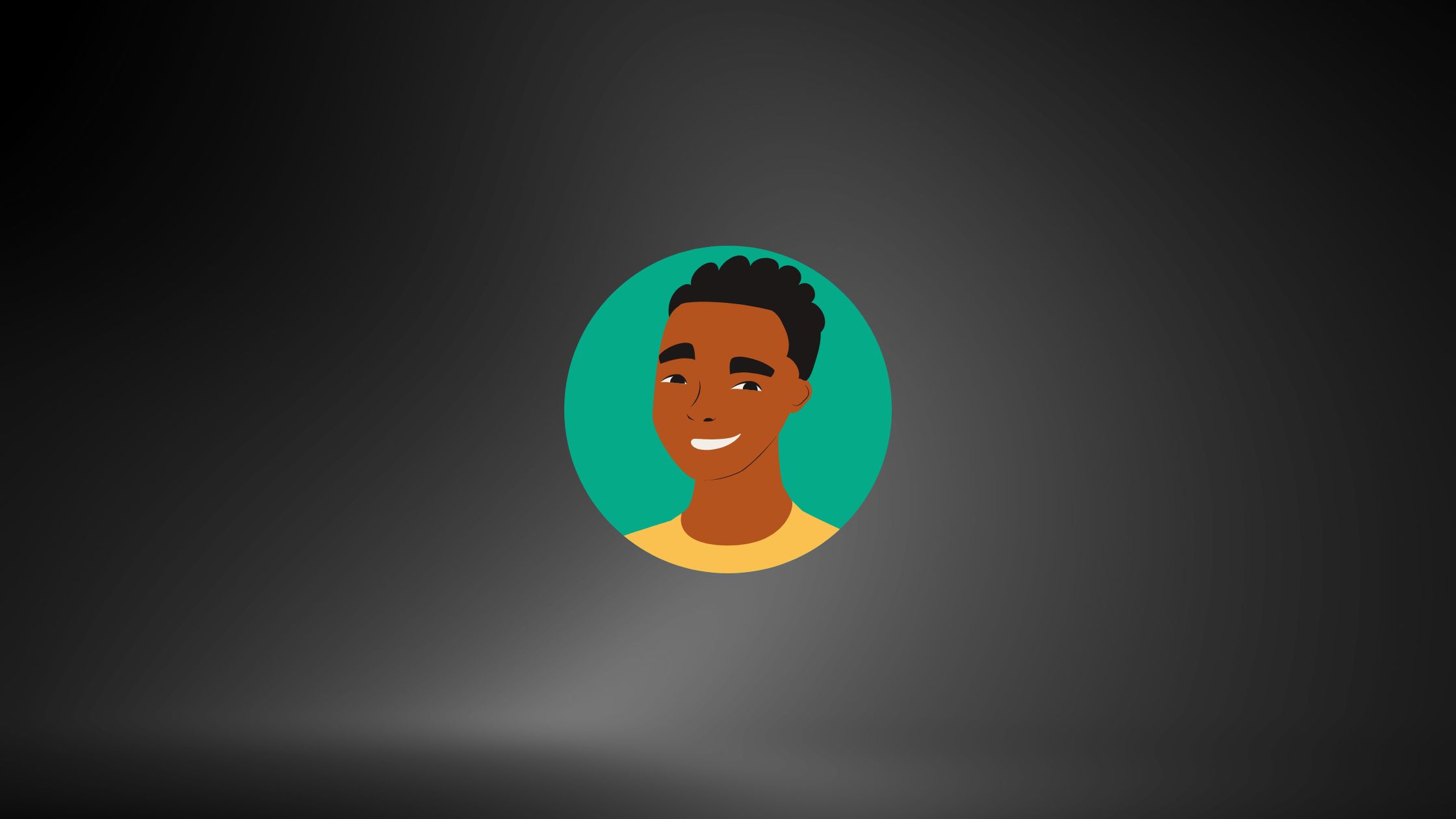
The rise of artificial intelligence has changed the way we create and consume digital content. One fascinating aspect of this transformation is the ability to generate hyper-realistic images using AI.
Imagine uploading just one photo of yourself and instantly receiving a set of stylized, futuristic, or artistic portraits that look like professional photography. That’s the power of AI-generated images.
So, what exactly are these images? AI-generated images are visuals created by machine learning models trained on millions of real-world pictures.
Instead of manually editing a photo with Photoshop, the AI learns patterns, facial structures, and artistic elements, then applies them to create new, unique representations.
People love AI images for multiple reasons. Some use them as social media avatars, others for branding or marketing, and some just for fun—like turning themselves into a fantasy character, a comic-book hero, or even imagining what they’d look like in different eras. It’s fast, creative, and addictive.
In short, AI-generated images combine technology with imagination, letting anyone design professional-looking visuals without needing advanced editing skills.
And among the companies leading this trend, Meta AI stands out for its accessible, user-friendly approach.
Understanding Meta AI’s Role in Image Generation
Meta, the parent company of Facebook and Instagram, has been pushing hard into AI technology. Unlike some AI tools that require technical expertise, Meta AI focuses on making artificial intelligence accessible for everyday users. With their tools, you can easily generate high-quality images from simple prompts or photos.
What makes Meta AI unique is its integration with platforms people already use daily. Imagine scrolling through Facebook or Instagram and being able to instantly generate an AI version of your profile picture.
That seamless experience makes Meta’s tools stand out compared to more complex systems like Stable Diffusion, which require downloading models and running them locally.
Another key factor is realism. Meta AI prioritizes generating human-like and authentic images while minimizing distortions, which often appear in other AI generators. Its algorithms are trained to recognize facial features more accurately, making it ideal for personal image creation.
In other words, if you’ve ever wanted to experiment with AI-generated portraits without dealing with complicated software, Meta AI gives you an easier entry point.
Preparing to Create Your AI-Generated Image
Before you dive in and start generating AI portraits, preparation is crucial. The quality of your results depends heavily on the input you provide.
1. Gather High-Quality Photos of Yourself
Choose clear images with good lighting. A photo where your face is centered, well-lit, and free of heavy filters works best. Avoid blurry, pixelated, or group photos, as the AI may struggle to isolate your features accurately.
2. Consider Your Style Goals
Do you want a realistic, professional-looking portrait? Or are you aiming for a fun, creative version—like a fantasy warrior, a cyberpunk character, or a cartoon avatar? Having a vision will help you craft better prompts and get results closer to your expectations.
3. Think About Privacy and Security
This is important. Anytime you upload personal photos to an AI platform, you need to consider how your data is stored. Meta AI, like most major companies, has privacy policies explaining how images are used. Always review these policies, especially if you’re uploading sensitive or professional photos.
4. Decide on Experimentation
Remember, the first image generated may not be perfect. AI often improves with trial and error. Don’t be afraid to try different photos, prompts, and styles to find what suits you best.
With preparation done, you’re ready to jump into the fun part—actually generating your AI self-image.
Step-by-Step Guide to Creating an AI Image with Meta AI
Now, let’s get into the practical process. Here’s how you can create your own AI-generated image using Meta AI:
Step 1: Access Meta AI Tools
Currently, Meta AI is integrated into platforms like Facebook, Instagram, and WhatsApp, as well as available through the Meta AI website. Make sure you’re logged in with your Meta account.
Step 2: Upload Your Image
Choose a clear photo of yourself and upload it. Some tools allow direct photo input, while others let you describe your appearance using text prompts.
Step 3: Customize Prompts
Want a futuristic style? A vintage look? Or maybe a fantasy-inspired portrait? Add descriptive text prompts like “Me as a cyberpunk hero with neon lights in the background” or “Professional corporate headshot with a blurred office background.” The AI will interpret these instructions to style your image.
Step 4: Adjust Settings
Meta AI usually provides sliders or options for realism, artistic flair, or specific filters. Play with these until you find the right balance.
Step 5: Generate and Download
Hit the “Generate” button, wait a few seconds, and voila—your AI portrait is ready! From there, you can save it to your device or directly set it as your profile picture on Meta platforms.
This process is quick, intuitive, and accessible even if you’re completely new to AI.
Best Practices for Getting High-Quality AI Images
Getting a decent AI image is easy, but creating one that looks amazing requires a few tricks.
1. Use High-Resolution Photos
The clearer your input, the better the AI output. Low-quality images lead to blurry or distorted AI results.
2. Experiment with Angles
While front-facing photos work best, try experimenting with slightly angled shots to see how the AI interprets different perspectives.
3. Be Specific in Prompts
Instead of saying “Make me look futuristic,” try “Generate a high-resolution portrait of me in a cyberpunk city with neon lights, blue tones, and realistic textures.” The more detailed your instructions, the closer the AI gets to your vision.
4. Avoid Overloading with Filters
While Meta AI offers many artistic options, don’t overdo it. Too many filters or conflicting prompts can confuse the AI, leading to unnatural results.
5. Keep Trying
Don’t stop at one attempt. Run multiple generations, tweak prompts, and test different photos. AI-generated art is a game of exploration—the more you try, the better your results become.
When done right, you’ll be amazed at how realistic and creative your AI self-image can look.


